

How this page has changed
July 27, 2026
Sources, internal links and safety or product context reviewed.
In this guide
- 01Meditation timer formats at a glance
- 02Start with the failure you most need to avoid
- 03Browser meditation timers
- 04Meditation timer apps
- 05Physical meditation timers
- 06Chimes, bells and sound quality
- 07Interval chimes and sequence controls
- 08Privacy and account requirements
- 09Accessibility checks
- 10Reliability test before the first real use
- 11Data and history: useful or unnecessary?
- 12Cost and long-term ownership
- 13Red flags in timer claims
- 14A practical selection sequence
A meditation timer can be a browser page, a mobile app or a dedicated physical device. All three can count time. They differ in the details that decide whether the final chime actually arrives: background execution, screen-lock behavior, offline availability, battery state, notification settings and audio routing.
Choose the operating conditions before choosing the interface. If the phone must stay outside the room, a polished app is irrelevant. If you travel with one device and headphones, a physical wooden gong may be impractical. If you need no installation or account, a browser timer may be enough—provided it survives a real test on your browser.
This page owns the timer-format decision and verification process. Our best yoga app guide compares broader class and content platforms. This page does not teach meditation, recommend session lengths or make health claims.
It also reports 590 searches for “online meditation timer,” 90 for “physical meditation timer” and 90 for “meditation timer with chime.”
Meditation timer formats at a glance
| Format | Strongest practical advantage | Main failure mode | Best evidence before relying on it |
|---|---|---|---|
| Browser timer | No installation; works on many computers | Tab suspension, unloaded audio or lost connection | Short test with tab hidden and device locked |
| Mobile app | Offline options, notifications and presets | OS battery limits, permissions or audio routing | Store listing plus locked-screen/airplane-mode tests |
| Physical electronic timer | Phone-free and tactile | Battery depletion, limited sequence controls | Manual, power specification and audible test |
| Mechanical timer | Simple, no software account | Tick, coarse setting and abrupt alarm | In-person sound and timing check |
| Physical chime/gong timer | Acoustic sound from a dedicated device | Cost, size, power and limited portability | Manual, replacement support and room-volume test |
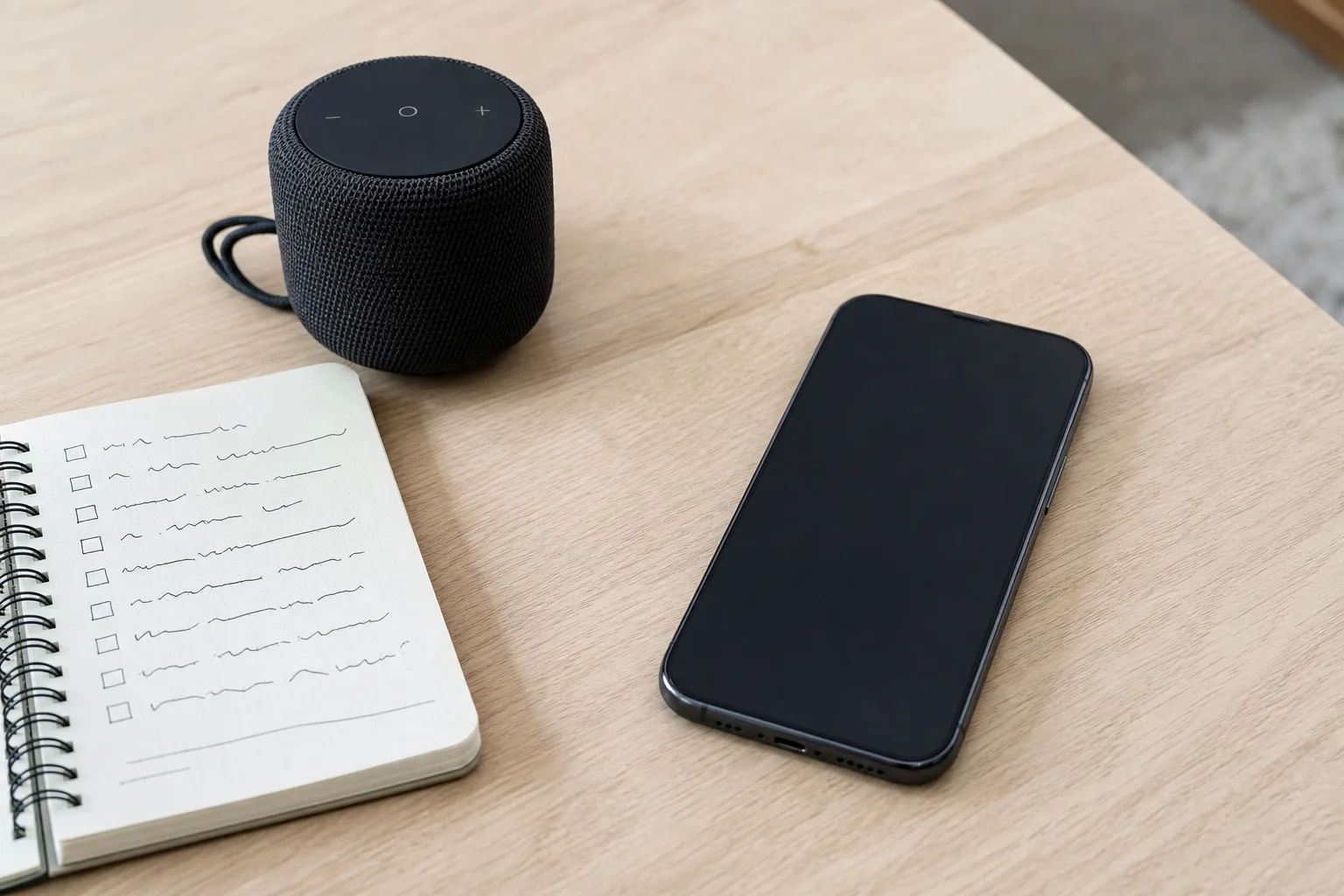
Start with the failure you most need to avoid
Timer selection becomes clearer when framed around failure.
- If missing the final sound is unacceptable, prioritize verified background alerts, power visibility and a fallback.
- If bringing a phone into the room is the problem, choose a dedicated physical device.
- If installing an app or opening an account is undesirable, choose a browser or simple physical timer.
- If travel weight matters, test an offline phone app rather than carrying another object.
- If hearing is variable, prioritize vibration, visual alerts or external audio routing.
- If shared-space sound matters, verify volume steps and headphone behavior.
Do not infer reliability from a tranquil interface. A single circular dial can sit on top of a complex notification, analytics and subscription system. Conversely, a physical timer can contain digital firmware, wireless radios or nonreplaceable batteries.
Browser meditation timers
A browser timer is a webpage that counts down or up and usually plays an end sound. Some add interval bells, fullscreen mode, sound selection or repeating cycles. Medivate currently provides an online timer with end- and in-session chime options. Other current tools offer countdown, elapsed-time and interval modes.
Advantages
- no installation on a compatible browser;
- fast access on a laptop, tablet or borrowed device;
- easy reset without an account;
- large display on a desktop screen; and
- simple separation from a broader content library.
What to test
- Load the page and select the sound.
- Confirm audio permission by playing a preview if available.
- Set a short test rather than the intended full duration.
- hide the tab or minimize the browser;
- lock the screen if the device allows it;
- disconnect the network after the page and sound load;
- confirm the end alert and elapsed-time behavior; and
- repeat with headphones or Bluetooth if those will be used.
Browsers conserve power by throttling background tabs. Mobile operating systems may suspend a browser more aggressively than a desktop. A timer that works while visible is not proven to work when locked.
Offline ambiguity
“Works online” does not mean “fails offline,” and a page loading once does not guarantee its audio is cached. Some web applications install local files or service workers; others request the sound only when it plays. Airplane-mode testing is the reliable answer for the current device and browser version.
Meditation timer apps
Timer apps can integrate notifications, screen-lock behavior, presets, session history, background audio and accessibility settings. Meditation Chimer currently states that it works with the screen locked and offers a finishing chime, optional interval chime and settling period. The current Meditation Time listing describes optional interval sounds, multiple sound choices and longer sessions.
Those are product-specific claims, not app-category guarantees.
| App field | Question to answer | Evidence source |
|---|---|---|
| Background execution | Does the end alert fire with screen locked? | Current listing + short device test |
| Offline use | Are timer and sounds local after install? | Developer statement + airplane-mode test |
| Notifications | Which permission is required? | OS settings and developer documentation |
| Audio route | Speaker, headphones, Bluetooth or system alarm channel? | Real test with intended route |
| Interval control | Fixed interval, custom sequence or none? | Current settings screen/documentation |
| Account | Is sign-in optional? | First-run flow and privacy policy |
| Tracking | Is session history local or cloud-synced? | Privacy policy and account controls |
| Cost | One-time, subscription, advertising or in-app purchase? | Current store checkout, not an old article |
Screen lock and battery optimization
Modern phones restrict background activity. Notification permission, focus modes, silent mode, battery saver and manufacturer-specific optimization can all affect alerts. Test the exact configuration rather than copying another user’s result from a different phone.
Repeat the test after a major operating-system or app update. A reliable result from last year is useful history, not proof of current behavior.
Do-not-disturb and silent modes
Some timer sounds use media volume; others use notifications or alarms. Silent mode can affect these channels differently. Check the developer’s documentation, then test with the same focus mode, volume and output device intended for normal use.
Avoid turning volume to maximum as a substitute for understanding the route. A Bluetooth speaker reconnecting in another room or headphones left paired can send the chime somewhere unexpected.
Physical meditation timers
Physical timers range from ordinary kitchen timers to purpose-built electronic chime devices and acoustic bowl-gong products. Harmaton currently describes a physical device with interval and sequence modes. Sage Meditation’s Gong Timer manual documents configurable end and interval chimes. Manuals are more valuable than styling photos because they reveal control limits and reset behavior.
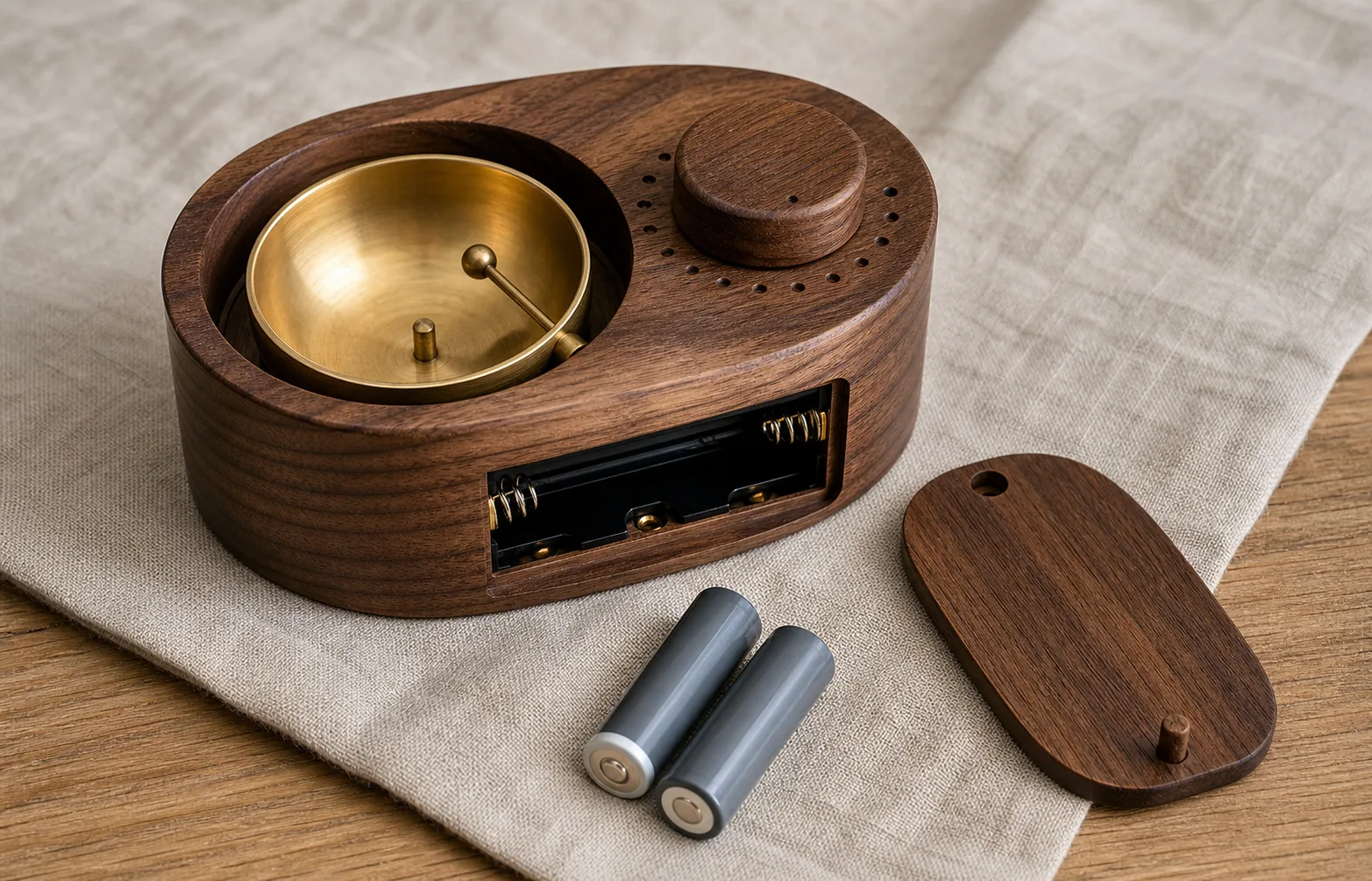
Physical timer checklist
| Field | What to verify |
|---|---|
| Timing range | Minimum and maximum duration; setting granularity |
| Intervals | Fixed options or fully custom sequence; maximum count |
| End behavior | Single sound, repeat, escalating alarm or automatic silence |
| Sound | Acoustic mechanism or recorded speaker sound; volume control |
| Display | Always on, dimmable, reversible or absent |
| Power | Battery type, replaceability, charging port and runtime indication |
| Memory | Whether settings survive power loss or battery replacement |
| Controls | Tactile labels, dial resistance and one-handed reset |
| Size | Footprint, weight and travel protection |
| Support | Manual, warranty and replacement availability |
A wooden case does not prove a mechanical mechanism. Many physical chime timers use electronics to strike a small bowl. That can be an effective design, but it still depends on batteries, firmware and internal parts.
Mechanical kitchen timers
An ordinary wind-up timer avoids apps and batteries, but it may tick audibly, offer coarse precision and end with a sharp bell. Check whether the setting range and sound suit the room. Never assume “analog” means silent or gentle.
Physical timers with wireless features
Some dedicated devices use Bluetooth or Wi-Fi for setup, schedules or updates. If phone-free use is the goal, determine whether the device functions after initial setup without an active connection or account. Review the same privacy and update questions you would apply to an app.
Chimes, bells and sound quality
Sound descriptions are subjective. “Gentle,” “warm,” “authentic” and “soothing” do not state peak volume, duration, repetition or frequency balance. Listen to an official sample when available, but remember that phone speakers and compressed recordings do not reproduce a physical bowl exactly.
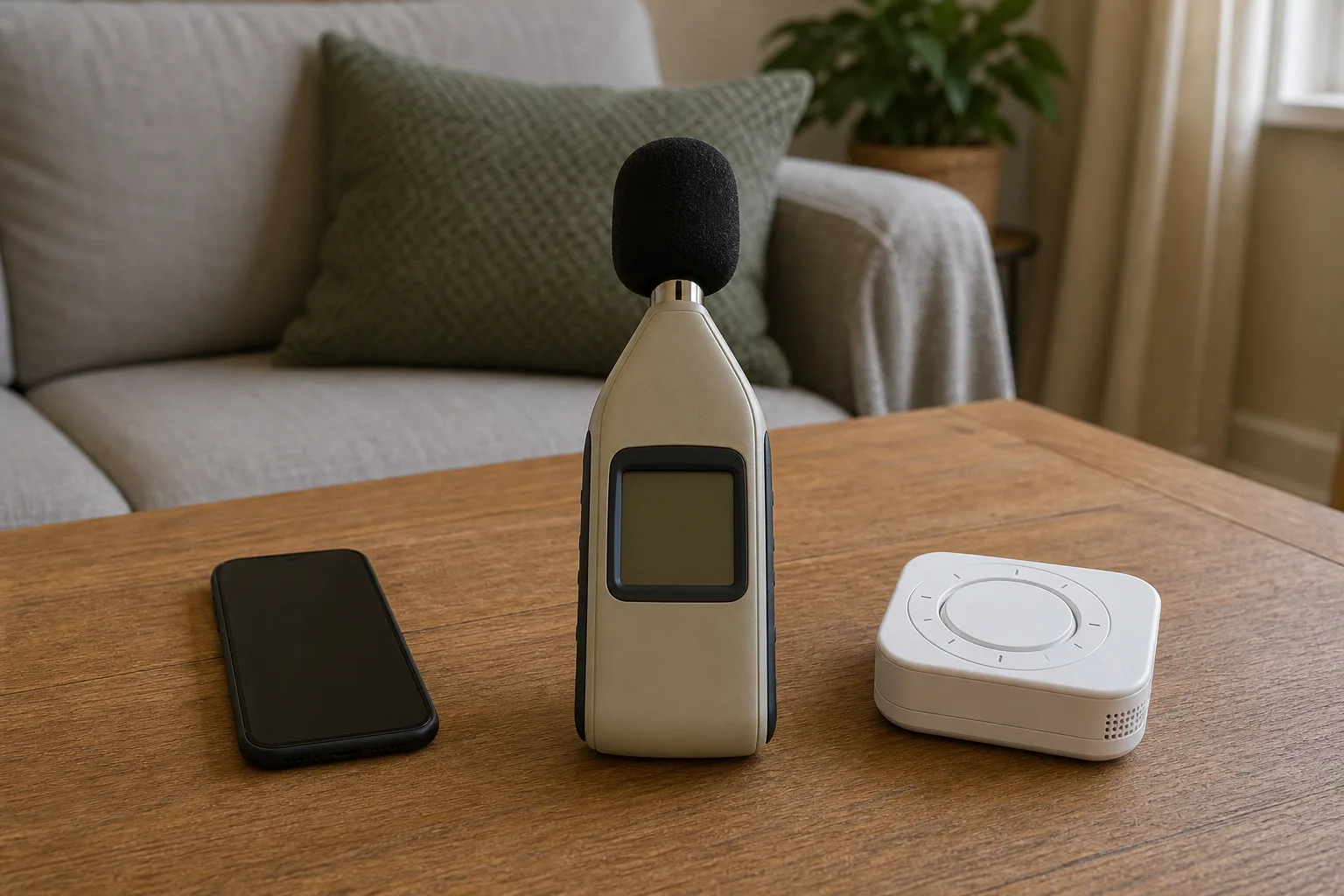
A practical sound test
- Place the timer where it will normally sit.
- Sit or stand at the intended listening distance without beginning a session.
- Preview the quietest available chime.
- test the final sound and any interval sound separately;
- check whether the sound repeats when not dismissed;
- test against normal room noise; and
- verify vibration or visual fallback if required.
A consumer sound-level meter can compare relative output in the same room, but a single number does not capture tone or accessibility. Do not present generated imagery or a manufacturer adjective as acoustic measurement.
Interval chimes and sequence controls
An interval chime sounds before the final alert. Products differ in ways that matter:
- one fixed interval versus several choices;
- regular spacing versus custom timestamps;
- one chime sound versus separate interval and finish sounds;
- maximum interval count;
- settling or delayed-start period;
- count-up behavior after the final chime; and
- whether intervals can be disabled completely.
Meditation Chimer describes a settling period and an interval option up to a stated limit. Harmaton describes fixed timer intervals and customizable sequences. Sage’s booklet documents an option for no interval chimes. Compare the current manual rather than assuming all “chime timers” have the same sequence editor.
This page deliberately does not recommend when a chime should occur. That is a practice choice, not a hardware specification.
Privacy and account requirements
A timer may record duration, timestamps, device identifiers, diagnostics, advertising events or account data. Review the current policy and store privacy label for:
- required account creation;
- analytics and crash reporting;
- advertising identifiers;
- cloud synchronization;
- social or community features;
- location, microphone, motion or health permissions;
- export format;
- deletion controls; and
- policy effective date.
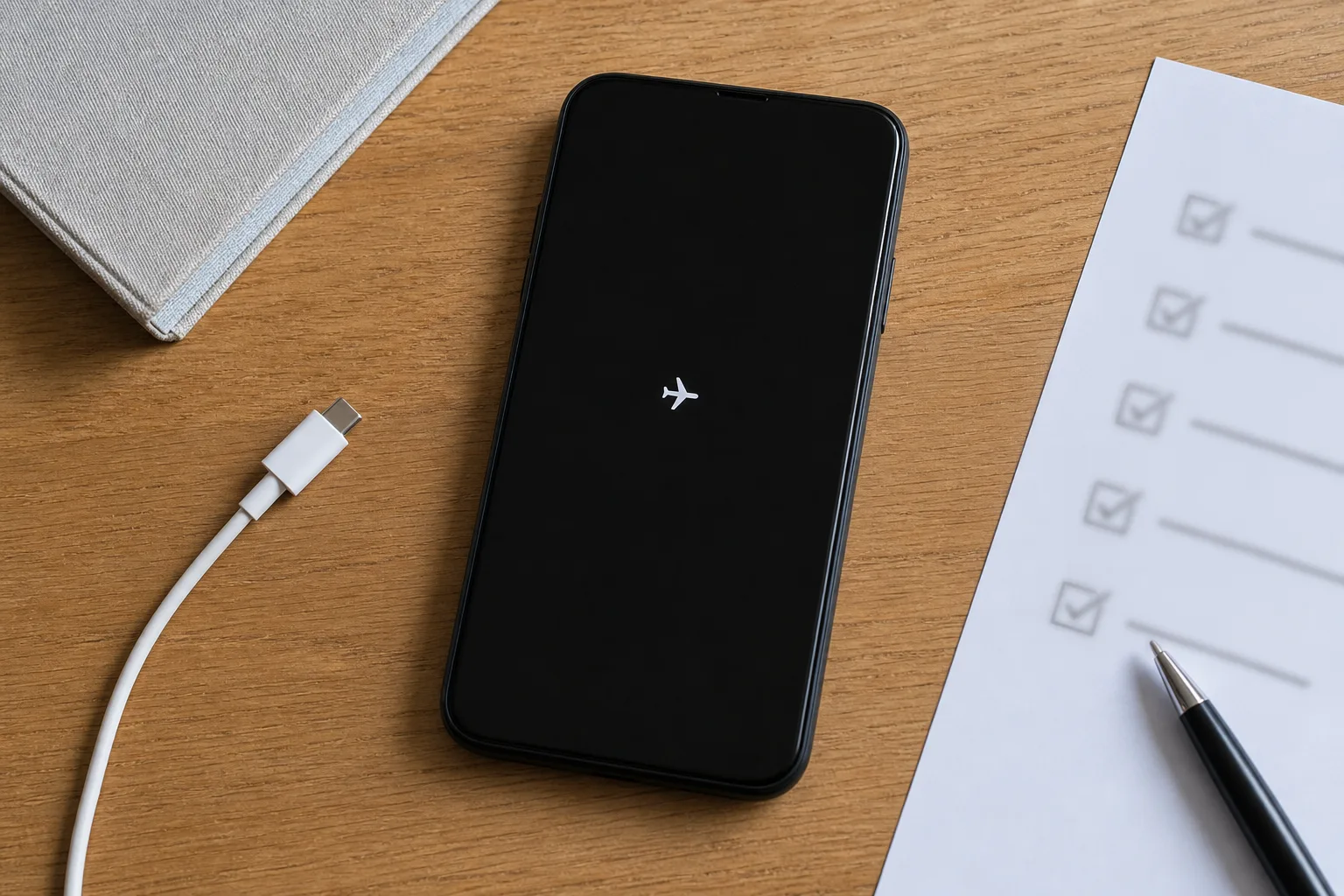
Do not grant microphone, contacts or precise location merely because a timer asks on first launch. Determine whether the core countdown works when the permission is denied. A legitimate optional feature can explain a permission, but the user should be able to understand the trade-off.
A browser timer also has privacy considerations: cookies, analytics, advertising and third-party sound files can operate without an installed app. Check the page policy and browser storage, especially when creating accounts or saving histories.
Accessibility checks
Timer accessibility is more than a large countdown.
| Need | Feature to verify |
|---|---|
| Low vision | Screen-reader labels, scalable controls, contrast and nonvisual end alert |
| Deaf or hard of hearing | Vibration, flash or strong visual completion state |
| Motor accessibility | Large targets, keyboard operation and simple reset |
| Sound sensitivity | Fine volume control, alternative tones and vibration-only mode |
| Cognitive simplicity | Predictable control order, saved presets and clear running state |
| Shared space | Headphone route, silent/vibration mode and nonrepeating alert |
Test with the platform’s actual accessibility tools. A screenshot cannot prove screen-reader names or keyboard focus. For a physical device, tactile controls and audible feedback can help one user while excluding another; look for a manual in an accessible format.
Reliability test before the first real use
Run a two-minute rehearsal:
- charge the device or install fresh batteries;
- choose the intended end sound and volume;
- enable the actual silent/focus mode you will use;
- connect the intended headphones or speaker, if any;
- start a short timer;
- lock the screen, hide the tab or leave the physical display alone;
- wait without interacting;
- confirm the end alert, repetition and elapsed-time state; and
- write down the configuration that worked.
Then repeat offline if offline use is important. For a physical device, test low-battery indication and power restoration using the manual rather than deliberately interrupting a running session if settings could be lost.
Data and history: useful or unnecessary?
Some apps log dates and durations, build streaks or sync histories. That can be useful for personal records, but it is not necessary for timing. Evaluate:
- whether logging can be disabled;
- local versus cloud storage;
- manual correction of accidental sessions;
- CSV or other export;
- deletion of individual entries and the full account;
- timezone handling; and
- subscription access to your own history.
Avoid turning a timer comparison into claims about adherence or wellbeing. A streak display is a software feature, not evidence of a health outcome.
Cost and long-term ownership
Compare the current checkout model:
| Cost category | Browser | App | Physical timer |
|---|---|---|---|
| Initial cost | Often free or ad-supported | Free, one-time or subscription | Purchase plus delivery |
| Recurring cost | Subscription/account possible | Subscription or premium features | Batteries, service or none |
| Replacement | Device/browser already owned | Depends on OS support | Hardware repair or replacement |
| Lock-in | Account/history or web availability | Store, account and export limits | Proprietary battery/parts |
| End-of-life risk | Site can disappear | App can lose OS support | Parts and manuals can disappear |
Do not copy a static price from an old comparison. App tiers, promotions and regional store pricing change. Check the live store or checkout and verify whether the core timer remains usable after cancellation.
Red flags in timer claims
- “Works offline” without defining whether sounds and presets do too.
- “Screen-lock compatible” with no supported platform or current test.
- “No distractions” alongside advertising or mandatory content feeds.
- “Private” with no current privacy policy.
- “Physical” when the device still requires a permanent phone connection.
- “Analog” used only to describe wood styling around digital electronics.
- “Gentle chime” with no preview, volume range or return option.
- “Unlimited intervals” without a documented sequence editor.
- An app last updated long before the current operating-system generation.
- A physical device with a sealed aging battery and no service route.
A practical selection sequence
- Decide whether a phone or computer may be present.
- Choose browser, app or physical format.
- Define countdown, count-up, interval and delayed-start requirements.
- Check end-sound route, volume, repetition and alternatives.
- Verify locked-screen and offline behavior with a short test.
- Audit account, permissions, privacy and history export.
- Check accessibility on the real platform or device.
- Calculate current and recurring costs.
- Keep a simple backup when missing the alert matters.
The best meditation timer is not the one with the longest sound library. It is the simplest format that reliably signals under your real power, network, screen-lock, audio and accessibility conditions.
Frequently asked questions
What is the best type of meditation timer?
The best format depends on the operating conditions. A browser timer is quick and installation-free, an app can offer offline use and screen-lock notifications, and a physical timer keeps the phone out of the room. Test the exact product for end-chime reliability, volume, power and reset behavior.
Will a meditation timer work when my phone screen is locked?
Only if the specific app or browser implementation supports it and the operating system permits background alerts. Some current apps explicitly advertise screen-lock operation. Run a short locked-screen test after installation and again after major phone or app updates.
Can a meditation timer work without internet access?
Physical timers can, subject to their batteries or power source. Some apps work fully offline after installation, while browser timers may need the page and audio loaded first. Test in airplane mode rather than relying on a generic “offline” claim.
What is an interval chime?
An interval chime is an optional sound played between the start and final alarm. Products vary in interval length, number of chimes and whether the sequence can be customized. This guide compares the feature as timer functionality and does not prescribe a meditation method.
Are meditation timer apps private?
Privacy varies. Review the current store privacy label and policy for account requirements, analytics, advertising, cloud sync and deletion controls. A simple interface does not prove that no data is collected, and a physical timer can still have wireless features.